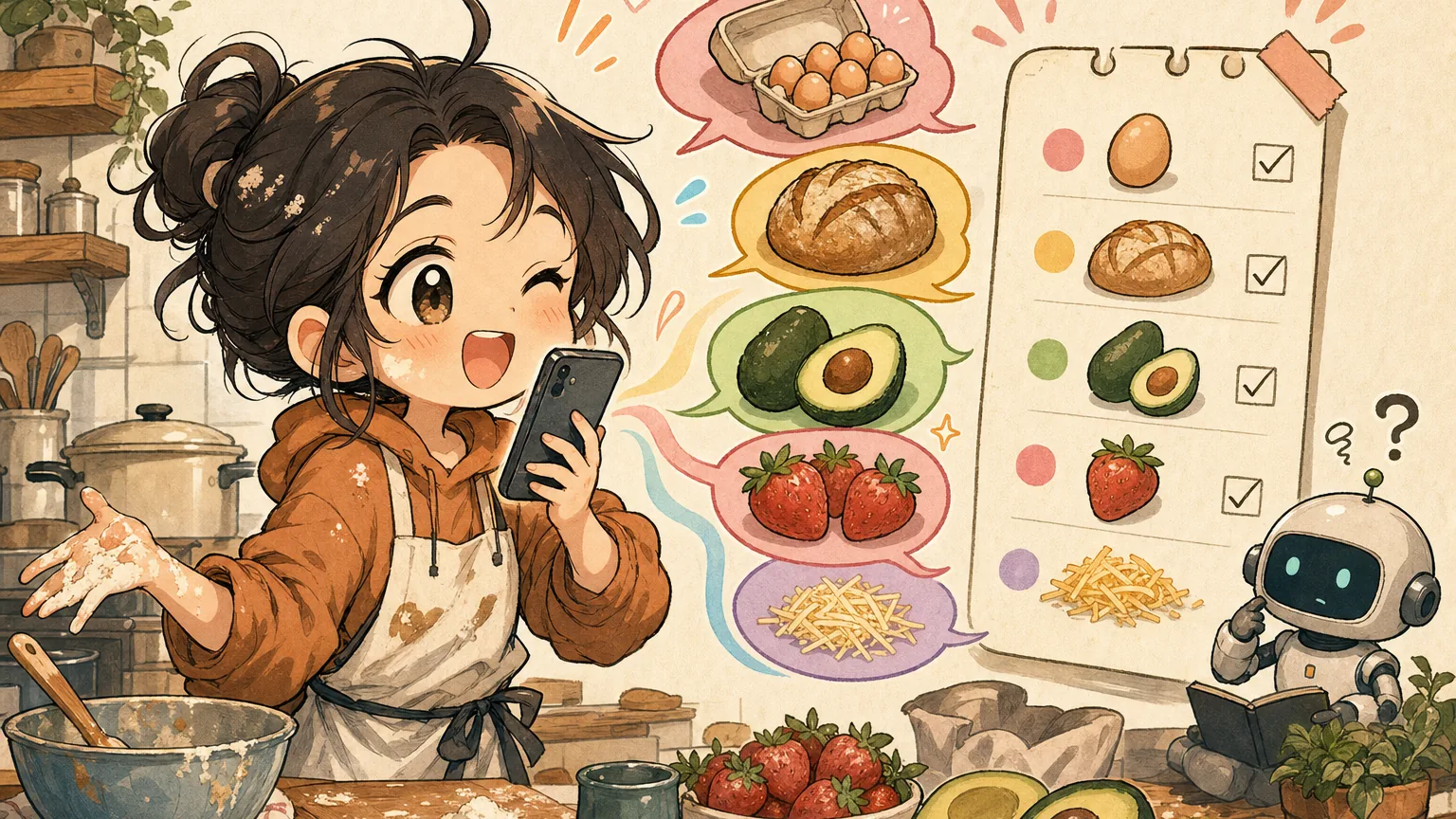
Talk to Your Grocery List Like a Human (Not a Robot)
You’re standing in your kitchen, hands covered in raw chicken juice, and you need to add three things to your grocery list before you forget.
So you call out to your phone: “Hey Siri, add two pounds boneless skinless chicken breast to my grocery list.”
Siri pauses. Then: “I found several grocery lists. Which one did you mean?”
By the time you’ve washed your hands, dried them, unlocked your phone, and typed it manually, you’ve already forgotten the third thing.
Sound familiar?
The robot voice problem
Voice assistants were supposed to make grocery lists effortless. Instead, they made us talk like robots.
Here’s what adding items actually sounds like with most voice assistants:
“Add one gallon two percent milk to my Wegmans grocery list”
“Add six ounces fresh baby spinach to my grocery list”
“Add one 28-ounce can San Marzano crushed tomatoes to my grocery list”
Notice the pattern? Every command needs exact quantities, specific units, and the full item name — every single time. Miss a detail and you get a follow-up question. Use the wrong phrasing and it creates a reminder instead of a list item.
Nobody talks like this in real life. When you tell your partner what to grab at the store, you say “we need milk, spinach, and a big can of crushed tomatoes.” That’s it. No units. No formal item names. Just… human.
What natural language input actually looks like
Now imagine you could talk to your grocery list the same way you’d talk to a person.
Instead of:
“Add two pounds boneless skinless chicken thighs to my grocery list”
You just say:
“Chicken thighs, the big pack”
Instead of:
“Add one bunch organic cilantro to my grocery list”
You say:
“Oh, and cilantro”
Instead of carefully dictating one item at a time, you rattle off your whole thought:
“We need chicken thighs, cilantro, limes, and that coconut milk we used last time”
Four items, one sentence, zero robot syntax.
This is how ChibiCart’s voice input works. You speak naturally, and the app figures out the rest. It parses your sentence, separates individual items, and adds them to your list — even when you ramble a little.
How does it understand messy speech?
Behind the scenes, ChibiCart uses AI-powered natural language processing (think of it as a really good listener) to break down what you say.
Here’s what happens when you say “grab eggs, that fancy cheese, and like three avocados”:
- It separates items. “Eggs” and “that fancy cheese” and “three avocados” become three distinct list entries.
- It catches quantities. “Three avocados” gets parsed as quantity: 3, item: avocados.
- It handles the vague stuff gracefully. “That fancy cheese” stays as-is — because sometimes you know it when you see it, and that’s fine.
No follow-up questions. No “which list?” No accidentally creating a calendar reminder called “eggs.”
The key difference: traditional voice assistants need you to match their syntax. ChibiCart matches yours.
Real-world moments where this matters
Voice input isn’t just a convenience feature. It’s a hands-free lifeline in the moments when you need it most:
- Cooking dinner and realizing you’re out of garlic. Your hands are covered in onion juice. Just say it.
- Driving home and your partner texts “can you grab stuff for tacos?” You dictate the whole list without pulling over.
- Walking the aisles and spotting something that reminds you of what you need for the weekend. Speak it before the thought disappears.
- Feeding the baby with one hand while mentally planning tomorrow’s meals. Your voice is the only free input device you have.
In each of these moments, the difference between “Add one head of garlic to my grocery list” and “garlic” isn’t just convenience. It’s whether you use the feature at all.
Side-by-side: robot mode vs. human mode
Let’s make this concrete. Here’s the same grocery run, two ways:
| Robot mode (typical assistant) | Human mode (ChibiCart) |
|---|---|
| “Add one dozen large eggs to my grocery list" | "Eggs" |
| "Add one loaf sourdough bread to my grocery list" | "Sourdough" |
| "Add two ripe avocados to my grocery list" | "A couple avocados" |
| "Add one 16-ounce container fresh strawberries to my grocery list" | "Strawberries" |
| "Add 8 ounces shredded mozzarella cheese to my grocery list" | "Mozzarella, the shredded kind” |
| 5 commands, ~60 words | One sentence: “eggs, sourdough, a couple avocados, strawberries, and shredded mozzarella” — 12 words |
Same list. One-fifth the effort. And you didn’t have to remember whether it’s “ounces” or “oz.”
Not just voice — type naturally too
This same natural language smarts works when you type. No need to add items one at a time in a rigid input field.
Just type or paste:
chicken thighs, rice, coconut milk, fish sauce, basil, limes
ChibiCart splits them into six separate items on your list. You can even paste a chunk of a recipe’s ingredient list and let the app sort it out.
This is especially handy when someone texts you a list — just copy, paste, done.
Your grocery list should understand you
The best tools don’t make you learn their language. They learn yours.
Voice assistants trained us to speak in rigid commands because that’s what their technology required. But your grocery list isn’t a database query. It’s a thought — messy, quick, and human.
ChibiCart is free, works on any device, and doesn’t need an app store download. Next time you’re elbow-deep in meal prep, just say what you need. Your list will figure it out. 🛒