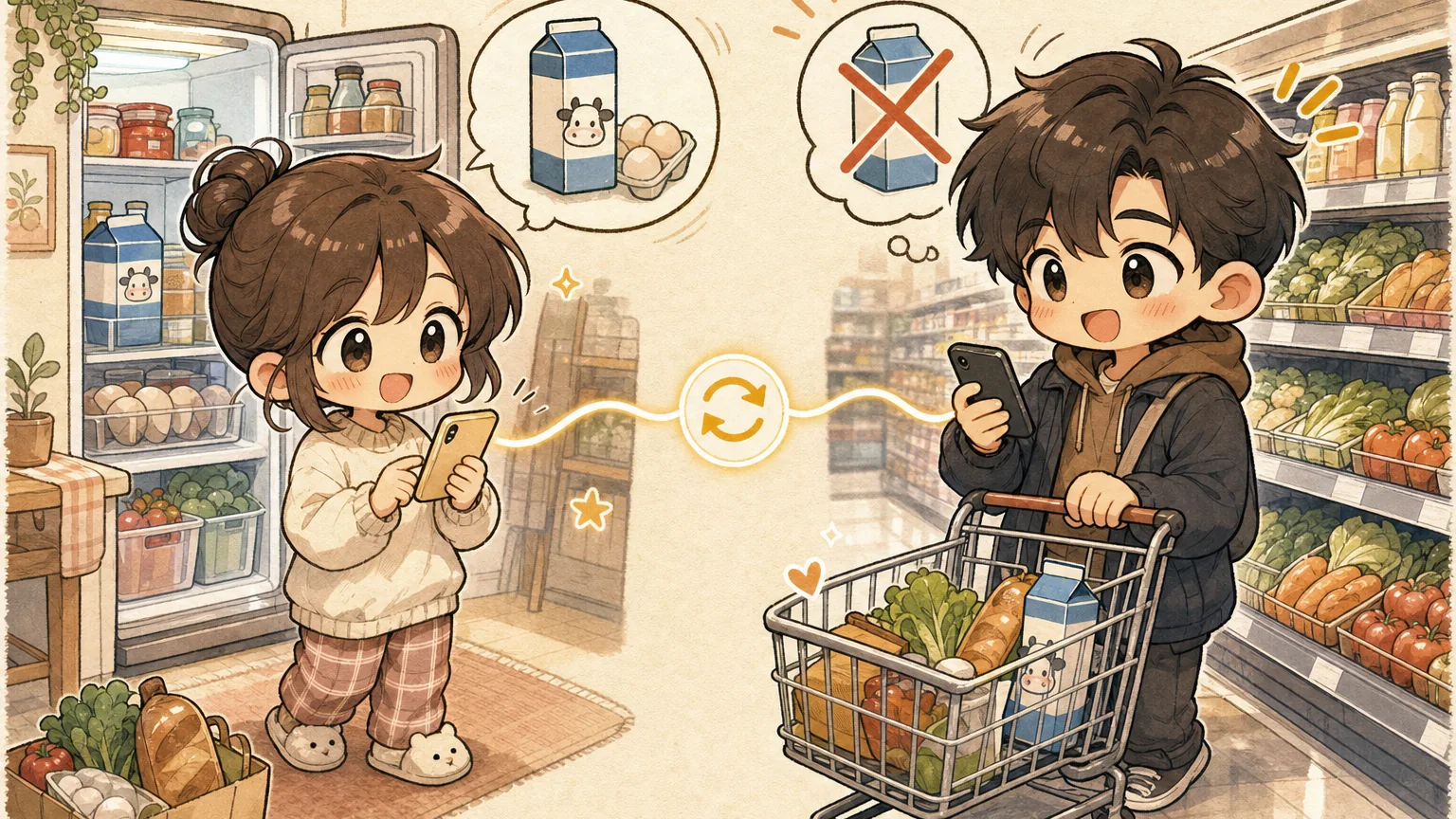
Stop Buying Duplicate Milk: A Couple's Guide to Shared Grocery Lists
You’re at the store. Your partner is at home. You text: “Do we need milk?”
No reply.
So you grab the milk — because of course you do. Better safe than sorry. Twenty minutes later you walk through the door to discover your partner already bought milk on the way home from work.
Now you have three gallons of milk and a week to drink them all.
The duplicate problem is a communication problem
Every couple has a version of this story. Maybe it’s milk. Maybe it’s bananas that ripen faster than you can eat them. Maybe it’s the time you both independently decided tonight was the night to buy that fancy olive oil.
The root cause isn’t forgetfulness. It’s sync delay — the gap between when one person decides to buy something and when the other person finds out.
Traditional solutions don’t really solve this:
- Texting works until someone’s phone is on silent, or they’re driving, or they just… don’t check.
- Shared note apps like Apple Notes or Google Keep update eventually, but “eventually” means you’re already in the checkout line when the edit finally appears.
- Calling each other from the store is the nuclear option — effective but annoying for everyone involved.
What you actually need is a list that updates the instant either person touches it. Not “within a few minutes.” Not “next time the app syncs.” Instantly.
What real-time sync actually looks like
Imagine this instead:
You’re walking through the produce section. Your partner, sitting on the couch at home, remembers you need garlic. They open the shared list, type “garlic,” and tap add.
Your phone buzzes. Garlic appears on your list before you’ve passed the onions.
No text required. No missed call. No duplicate purchase. Just a list that both of you can see and edit at the same time, from anywhere.
This is how ChibiCart handles shared lists. When you share a list with your partner, every add, check-off, and edit shows up on both phones in real time. Firebase-powered sync means changes propagate in milliseconds, not minutes.
The five scenes every couple will recognize
Let’s walk through the moments where a shared list saves you from grocery chaos:
1. The “I’m already at the store” ambush
You planned to stop at the store after work. Your partner didn’t know. They also stopped at the store after work.
With a shared list, you both see the same items. When your partner starts checking things off, you see them disappear in real time. You realize they’re already shopping, shoot them a quick “I see you’re at the store!” and head home instead.
Crisis averted. Dinner still happens.
2. The last-minute addition
You’re three aisles deep when your partner texts: “Oh! Can you grab sour cream?”
Except you don’t see the text because your phone is in your pocket and the store is loud. With a shared list, they just add “sour cream” and it appears between the items you haven’t checked off yet. You see it naturally as you work through the list.
3. The “wait, which brand?” moment
Your partner wrote “yogurt” on the list. But which yogurt? The Greek one? The one with the bear on it? The kids’ squeeze tubes?
In ChibiCart, your partner can add a note: “the Fage 2%, big tub.” You see the note right under the item. No guessing, no frantic aisle-side texting.
4. The divided-and-conquer run
Saturday morning. Big list. Two people, one store. You split up — one takes produce and dairy, the other takes pantry and frozen.
With real-time sync, you watch items get checked off as your partner moves through their section. You know exactly what’s left. No overlap. No forgotten items discovered at dinner.
5. The “I just used the last one” moment
It’s Tuesday night. Your partner uses the last egg making dinner. Instead of trying to remember to mention it later (spoiler: they won’t), they open the list and add “eggs” right then.
When Saturday rolls around and you’re heading to the store, eggs are already on the list. No mental load. No sticky notes on the fridge.
Why most list apps get sync wrong
Not all “shared” lists are created equal. Here’s where many popular apps fall short:
AnyList offers sharing, but users on Reddit regularly report sync delays of 30 seconds to several minutes. That’s an eternity when your partner is speed-walking through Trader Joe’s.
OurGroceries syncs reasonably well but requires everyone to create an account and remember yet another password. The friction of setup means one partner uses the app and the other just… doesn’t.
Google Keep and Apple Reminders technically support shared lists, but they’re general-purpose tools. There’s no concept of “checking off” an item at the store, no categories, and the sharing UX buries the feature three taps deep.
ChibiCart was built for this specific use case. Sharing is a core feature, not an afterthought. You generate a share link, your partner taps it, and you’re synced. No account required for basic sharing. Changes appear in under a second.
The relationship tax of bad grocery logistics
This might sound like a small thing. It’s not.
Grocery logistics is one of those invisible household tasks that generates friction way out of proportion to its importance. The mental load of tracking what you need, coordinating who’s buying what, and dealing with the fallout when communication breaks down — it adds up.
A shared list that actually works in real time removes an entire category of low-grade household conflict. No more “I told you we needed eggs.” No more “Why did you buy three avocados when we already had four?” No more standing in the kitchen wondering if you should text or just go to the store yourself.
It’s not about the milk. It’s about one less thing to argue about.
Getting started takes thirty seconds
ChibiCart works on any device with a browser — no app store download required. It’s a PWA (progressive web app), which means you “install” it by adding it to your home screen. Takes about three taps.
Here’s the quick setup for couples:
- One person creates a list. Call it “Groceries” or “The List” or “Please Don’t Forget The Eggs.”
- Tap share and send the link. Text it, AirDrop it, whatever works.
- Both of you add it to your home screens. Now it opens like a regular app.
- Start adding items. Both of you. Whenever you think of something.
That’s it. No accounts, no subscriptions, no onboarding flow that asks for your email twice. Just a shared list that actually stays in sync.
Next time you’re about to text “do we need milk?” — check the list instead. Your fridge will thank you. 🛒