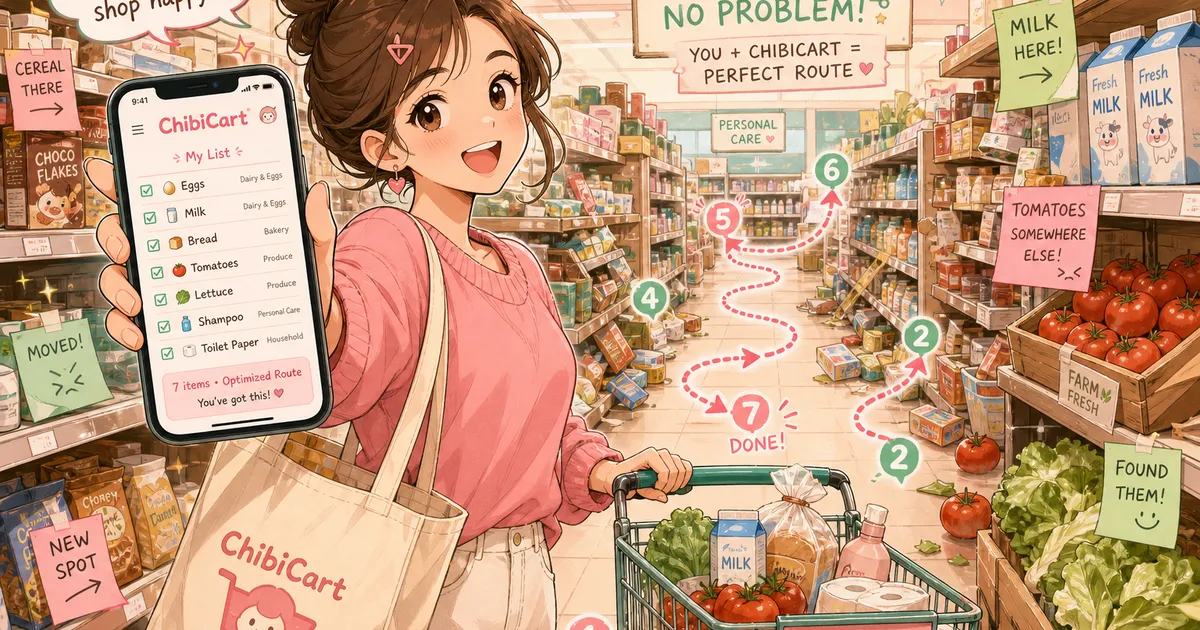
Your Grocery Store Moved Everything Again — How to Stop Wandering
You know the feeling. You walk into your regular grocery store on a Tuesday evening, head straight for the pasta aisle — and it’s gone. Replaced by an endcap of sparkling water you didn’t ask for. The peanut butter migrated three aisles over. The bread is now behind the deli.
You came in for seven items. Twenty minutes later, you’re still wandering.
Why Your Grocery Store Keeps Rearranging
This isn’t random. Grocery stores redesign their layouts on purpose, typically 1-2 times per year, and the reason is straightforward: the longer you wander, the more you buy.
Retail planogram strategy — the science of where products sit on shelves — is built around one metric: dwell time. Every extra minute you spend in the store increases the chance you’ll grab something unplanned. Seasonal resets in spring and summer are especially common, as stores swap out holiday displays for grilling supplies, sunscreen endcaps, and summer drink coolers.
The average American spends 43 minutes per grocery trip. Shoppers without a list spend 20-30% more than those with one. That’s not because listless shoppers buy better food — it’s because wandering leads to impulse purchases.
What Makes an Efficient Grocery Shopping List Different?
Most people write their grocery list the way items come to mind. Eggs, bananas, laundry detergent, chicken, toilet paper, yogurt. That’s a memory dump, not a plan.
An efficient grocery shopping list is organized by how you move through the store, not by how you remember things. The difference is the difference between a 20-minute trip and a 45-minute one.
Here’s the concept: instead of listing items randomly, group them by store zone. Every grocery store — despite layout changes — follows a roughly consistent perimeter-and-aisle structure:
- Produce zone (usually the entrance): fruits, vegetables, fresh herbs
- Perimeter loop (outer edges): bakery, deli, dairy, meat, seafood
- Center aisles (middle rows): canned goods, pasta, snacks, beverages, cleaning supplies
- Frozen zone (typically last): frozen meals, ice cream, frozen vegetables
When your list follows this flow, you walk the store once, front to back, without doubling back.
How to Organize Your List by Store Zones
You don’t need to memorize your store’s planogram. You just need four buckets.
Step 1: Write your list as usual. Don’t overthink it — jot everything down as it comes to mind.
Step 2: Sort into zones. Drag items into four groups: Produce, Perimeter, Center Aisles, Frozen. If you’re not sure where something lives, guess — you’ll learn your store’s layout within two trips.
Step 3: Shop the perimeter first. Start with produce at the entrance, loop the perimeter (bakery, deli, dairy, meat), then cut through center aisles, and finish at frozen. This keeps cold items cold and prevents backtracking.
That’s it. Three steps, and your chaotic Tuesday-night scramble becomes a single clean loop.
ChibiCart makes this even faster — you can drag items to reorder your list in seconds, and it remembers your preferred order for next time. No account required, works offline in those store aisles where your phone loses signal.
How Often Do Grocery Stores Change Their Layout?
Most major grocery chains do a full reset 1-2 times per year and smaller section adjustments monthly. Spring and fall are the most common times for major rearrangements.
Here’s why the timing matters for your list strategy:
| Season | What Changes | Why |
|---|---|---|
| Spring (March-May) | Seasonal endcaps, outdoor/grilling sections appear | Summer product placement |
| Summer (June-Aug) | Beverage aisles expand, snack reorganization | Peak shopping volume |
| Fall (Sept-Nov) | Holiday baking sections, back-to-school swaps | Seasonal demand shift |
| Winter (Dec-Feb) | Post-holiday reset, health food prominence | New Year resolution shoppers |
The zone-based list approach absorbs these changes. Individual items move, but the zones stay consistent. Produce is always near the entrance. Frozen is always the last stop. Your list structure survives the reset even when the peanut butter doesn’t stay put.
The Backtracking Tax: What Wandering Actually Costs You
Let’s put numbers on it. Say you backtrack to the dairy section once because you forgot butter, then loop back to produce for cilantro you missed. Each backtrack adds roughly 3-5 minutes to your trip.
Two backtracks per trip, once a week, for a year: that’s 5-8 hours of extra wandering annually. In a store you already know.
A zone-organized list eliminates most backtracking on the first use. By the third trip, you’ll have your store’s layout internalized — not because you memorized it, but because your list taught it to you.
Quick Tips for Stores You Don’t Know
Visiting a new store — or shopping while traveling — is where the wandering problem gets worse. You don’t know the layout at all, and you can’t fall back on muscle memory.
Three things that help:
- Stick to the perimeter-first rule. Even unfamiliar stores follow the same basic flow: produce at the entrance, dairy and meat along the walls, frozen at the back.
- Check aisle signs before diving in. Most stores label their aisles. A 30-second scan at the entrance saves 10 minutes of hunting.
- Use your list as a scratch pad. When you find where something lives, note it. Next visit, you’ll know.
With ChibiCart, your list works offline — so even in a warehouse store with no cell signal, you’ve still got your organized zones right there on your phone.
The Real Reason a List Beats Store Navigation Apps
Some stores offer in-app navigation with aisle numbers and even indoor maps. But here’s the problem: those apps only work in their store. If you shop at two or three different stores (and most households do), you’d need a separate app for each.
A zone-organized list is store-agnostic. It works at Kroger, Trader Joe’s, your local co-op, and the unfamiliar supermarket you ducked into on vacation. The zones translate everywhere because they’re based on how grocery stores are fundamentally designed, not on one store’s specific shelf layout.
That’s the efficiency advantage of a simple, well-organized list over any store-specific tool.
Stop Wandering, Start Shopping
Your grocery store will keep rearranging. They have financial incentives to make you wander. But you have a counterplay: organize your list by zones, shop the perimeter first, and never double back.
It takes about two minutes to sort a random list into zones. It saves about ten minutes per trip. Over a year, that math is hard to argue with.
If you want a list app that makes zone-sorting effortless — drag to reorder, works offline in any store, and remembers your layout preferences — give ChibiCart a try. It’s free, installs in one tap, and it’ll never rearrange your aisles on you. 🛒